
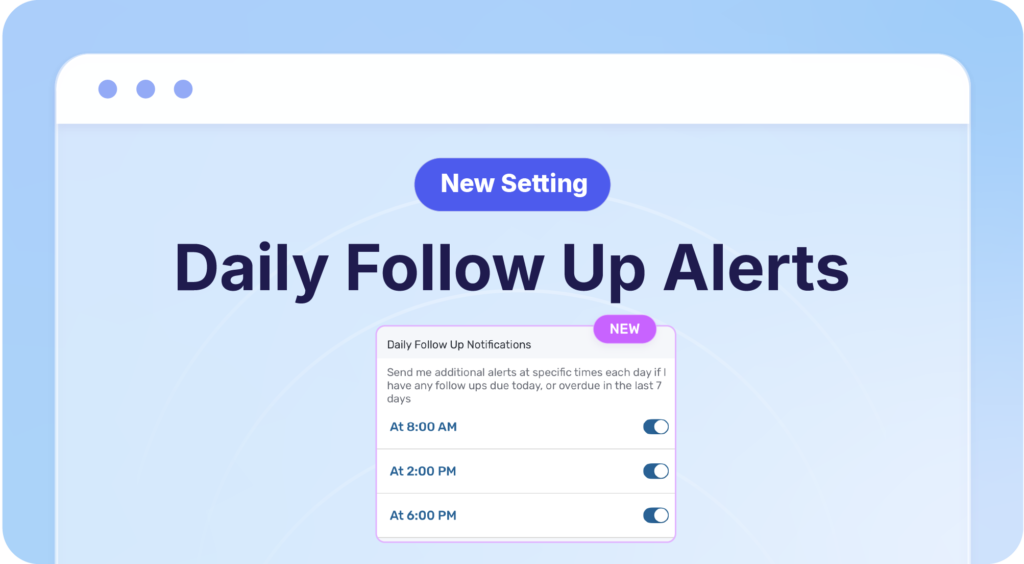
You can now enable Daily Follow-Up Alerts in your Privyr app! 🙌
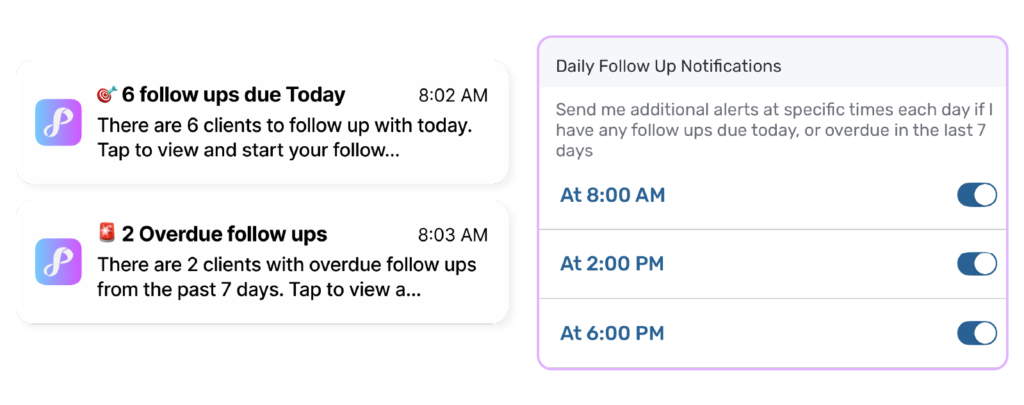
Get daily summaries on your phone at your preferred times, showing how many follow-ups are due today and which ones are overdue from the past week.
See everything in one go, at times that work for you ⏰
Instead of checking each follow-up alert as it comes in throughout the day, now you get a complete overview of what needs your attention – all consolidated into one notification.
This is especially helpful for managing follow-ups that are due at the same time, or reminders that come in when you are busy.
Each summary shows you:
- How many follow-ups are still due today
- Any overdue follow-ups from the last 7 days

✅ Never miss a lead: Catch follow-up reminders for leads that came in overnight, on weekends, or during busy hours
✅ Plan your day: Get your full to-do list at 8 AM and plan your outreach
✅ Stay on track: Enable additional check-ins in the afternoon to make sure nothing was missed
✅ See what’s overdue: Make sure you clear overdue follow-ups from the past week
Jump into action, right away
Tapping on the notification summary will bring you to the Actions tab. Here you can see what you need to do, across many types of activities, and get them done from one place.
Getting Started
To enable this, go to your Account tab > Settings > Follow Ups > Daily Follow Up Notifications.
Choose which times work you want to receive a summary alert – enable one, two, or all three daily check-ins!