Contents

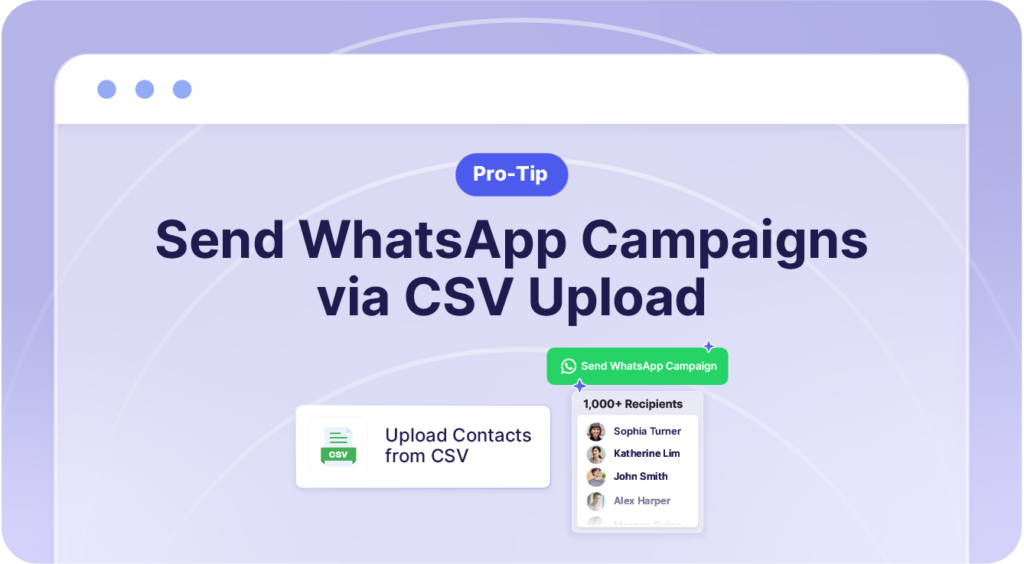
Do you have a list of leads saved in a CSV file or spreadsheet somewhere?
Want an incredibly easy way to bulk message them in one click?
You can drop the CSV file directly into Privyr to blast a WhatsApp Campaign.
How it works
- Go to your Automations tab on Privyr web
- Under WhatsApp Automations, open WhatsApp Campaigns
- Tap ‘+’ to create a new campaign
- Under Recipients, select ‘Upload Contacts from CSV’
- Upload your spreadsheet
- Choose your message template and send
It’s a quick way to reach existing leads from an old database, a referral list, or any spreadsheet you already have on hand.
Never sent a WhatsApp Campaign before? Watch this tutorial to get started: