
Automatically respond, qualify, and follow up with new WhatsApp enquiries
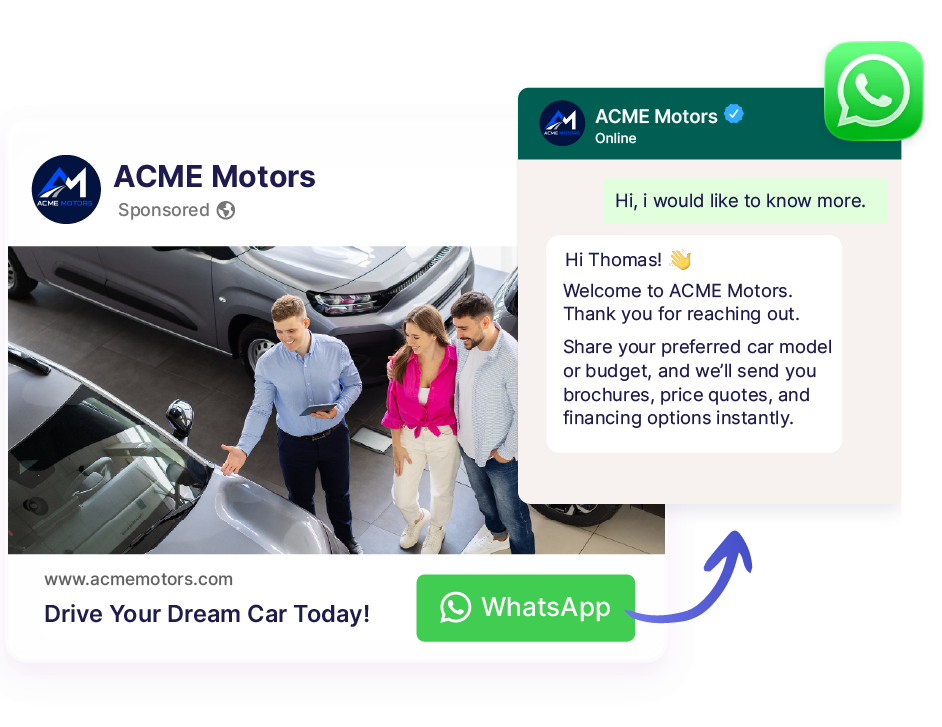
Instantly respond and qualify new leads with AI when they message you from your Click-to-WhatsApp Ads, wa.me links, QR codes, online listings, and more.
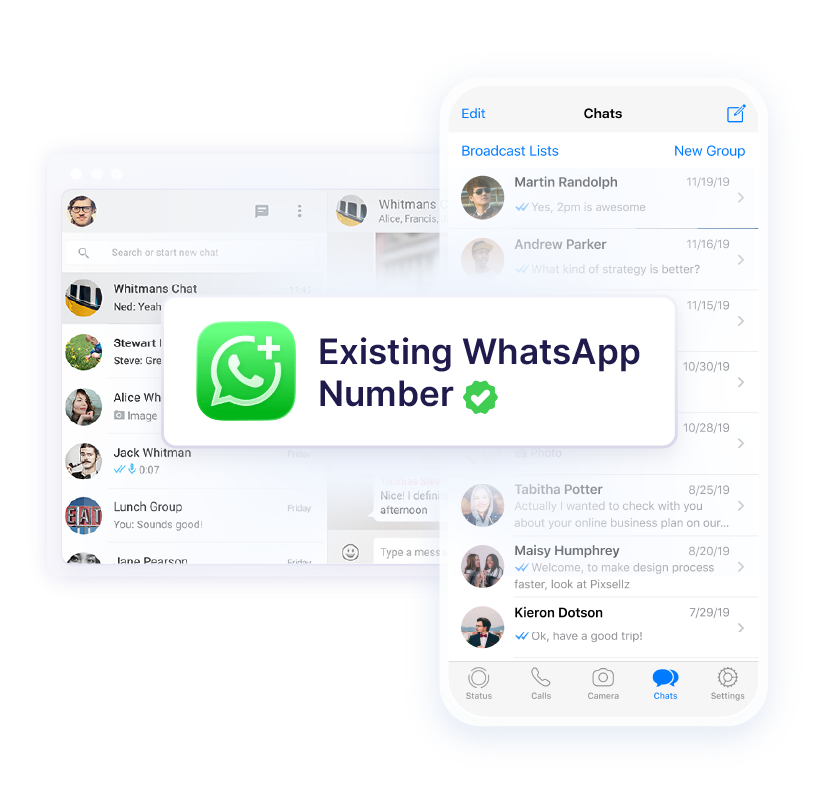
Unlock AI WhatsApp Reply for your existing WhatsApp Business account, without losing your chats or groups.
3 months free, no risks
 Get set up within 5 minutes
Keep your existing number & chats
Get set up within 5 minutes
Keep your existing number & chats
Automatically reply to any inbound inquiry
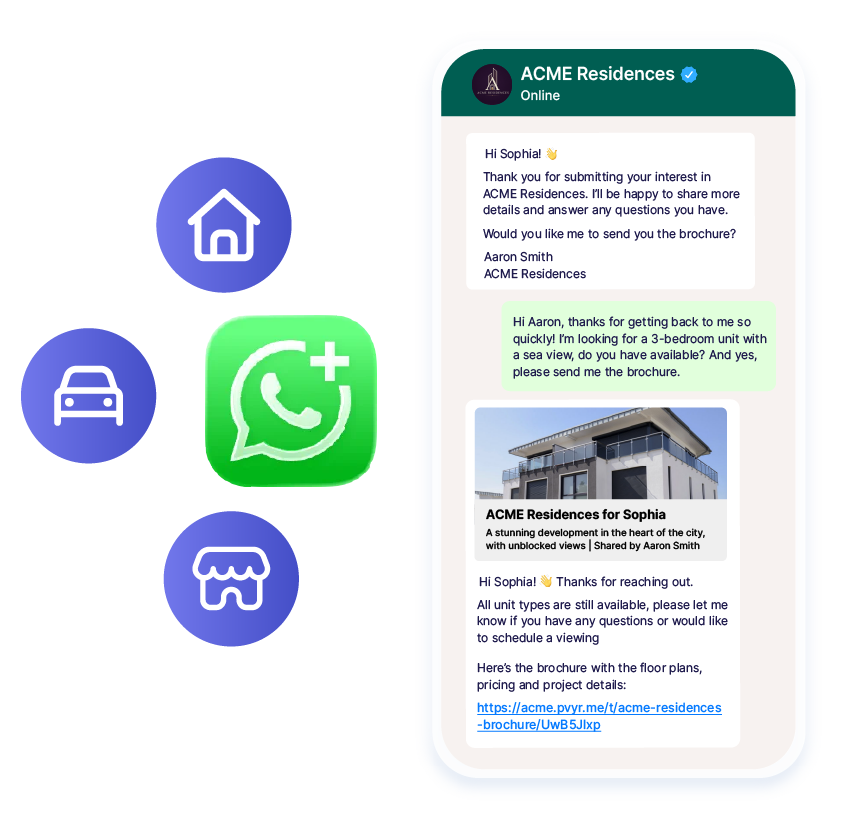
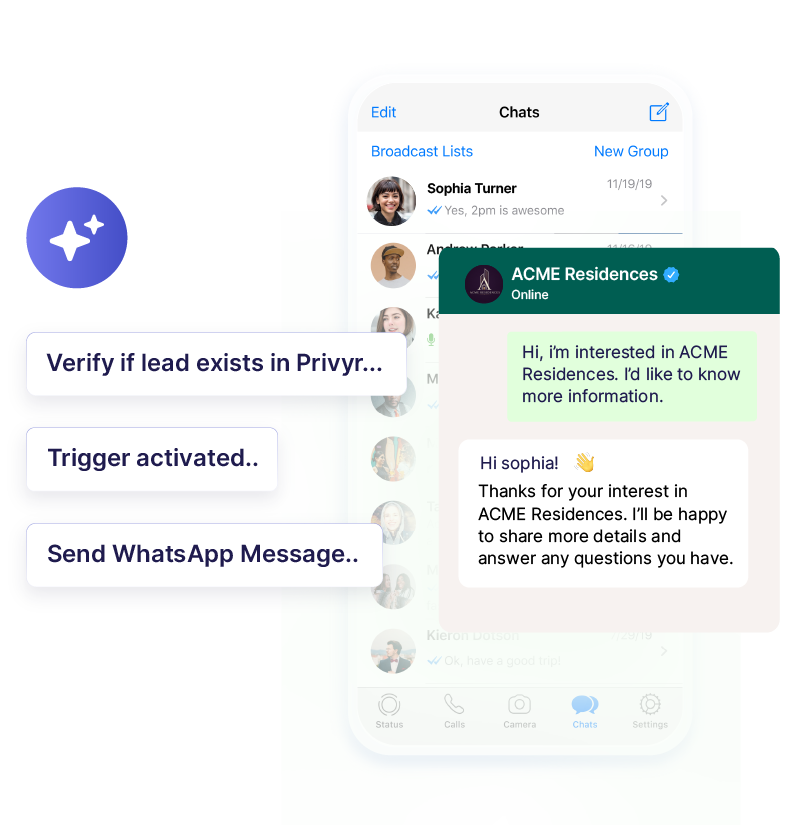
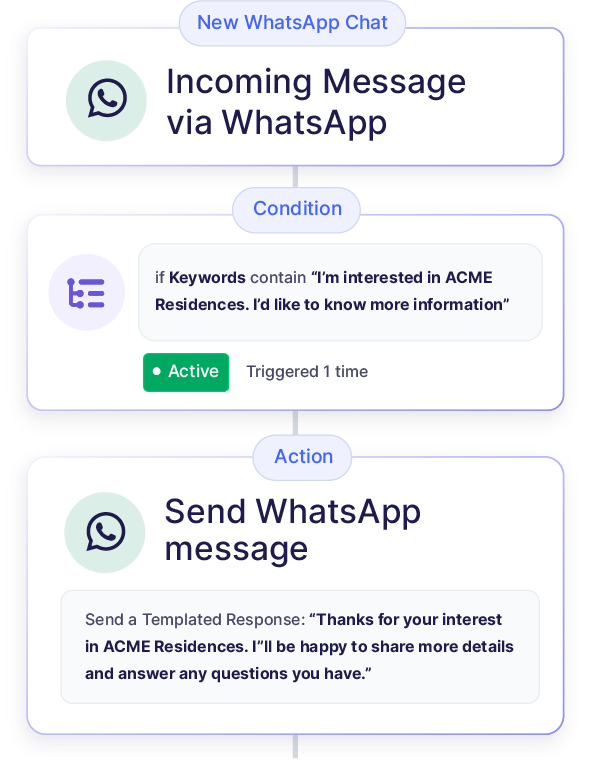
Privyr's Auto-Responder scans incoming WhatsApp messages and sends the right reply instantly — no matter how the lead initiated the conversation.
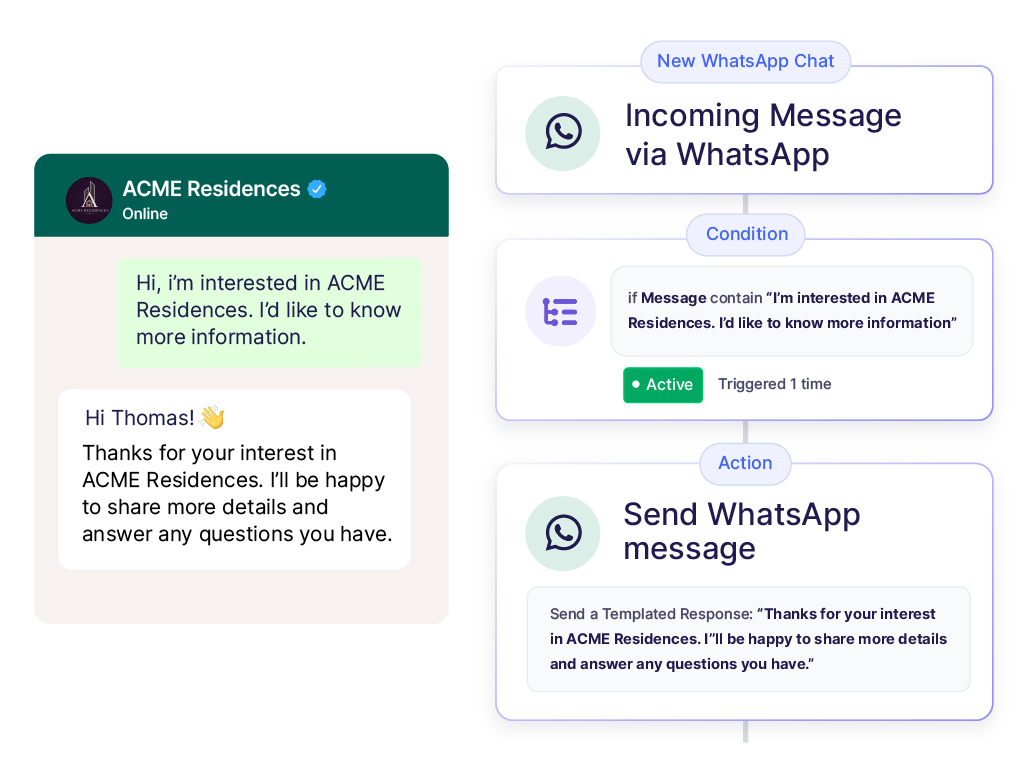
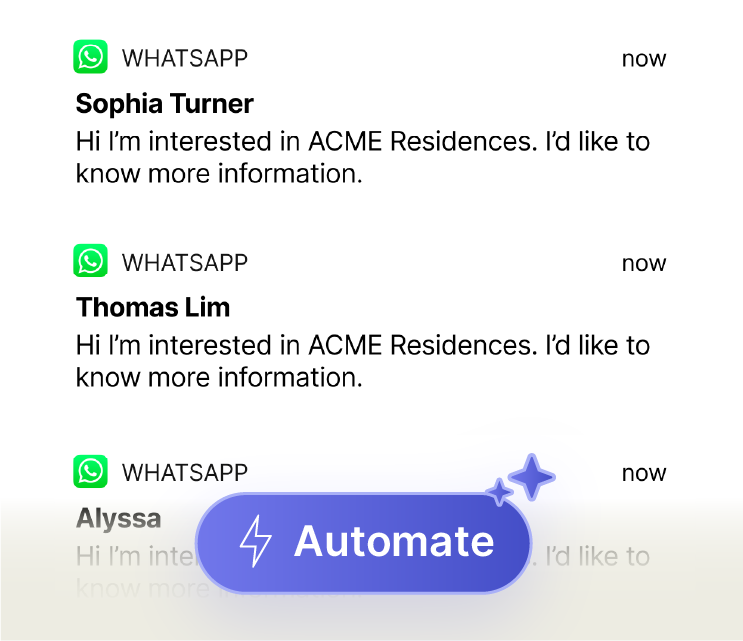
Instant replies — never generic or inconsistent
Tell Privyr what to send when you receive a specific enquiry, whether it’s one message or multiple messages.
Set it once, and Privyr will follow up with every enquiry until the lead responds.

 Send ACME Intro & Brochure
Send invite to open house
Send ACME Intro & Brochure
Send invite to open house
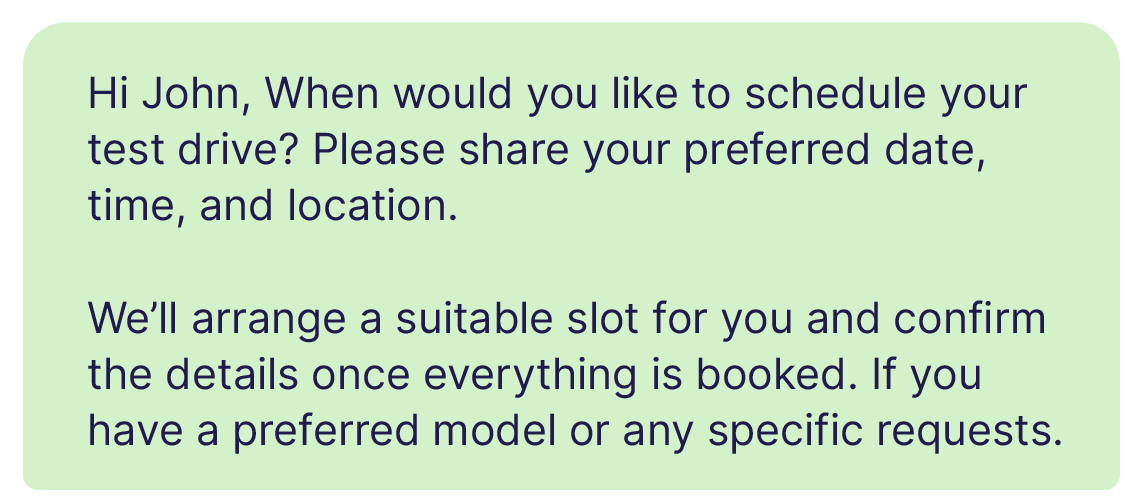
WhatsApp AI Lead Qualification:
The auto-reply that chats like you
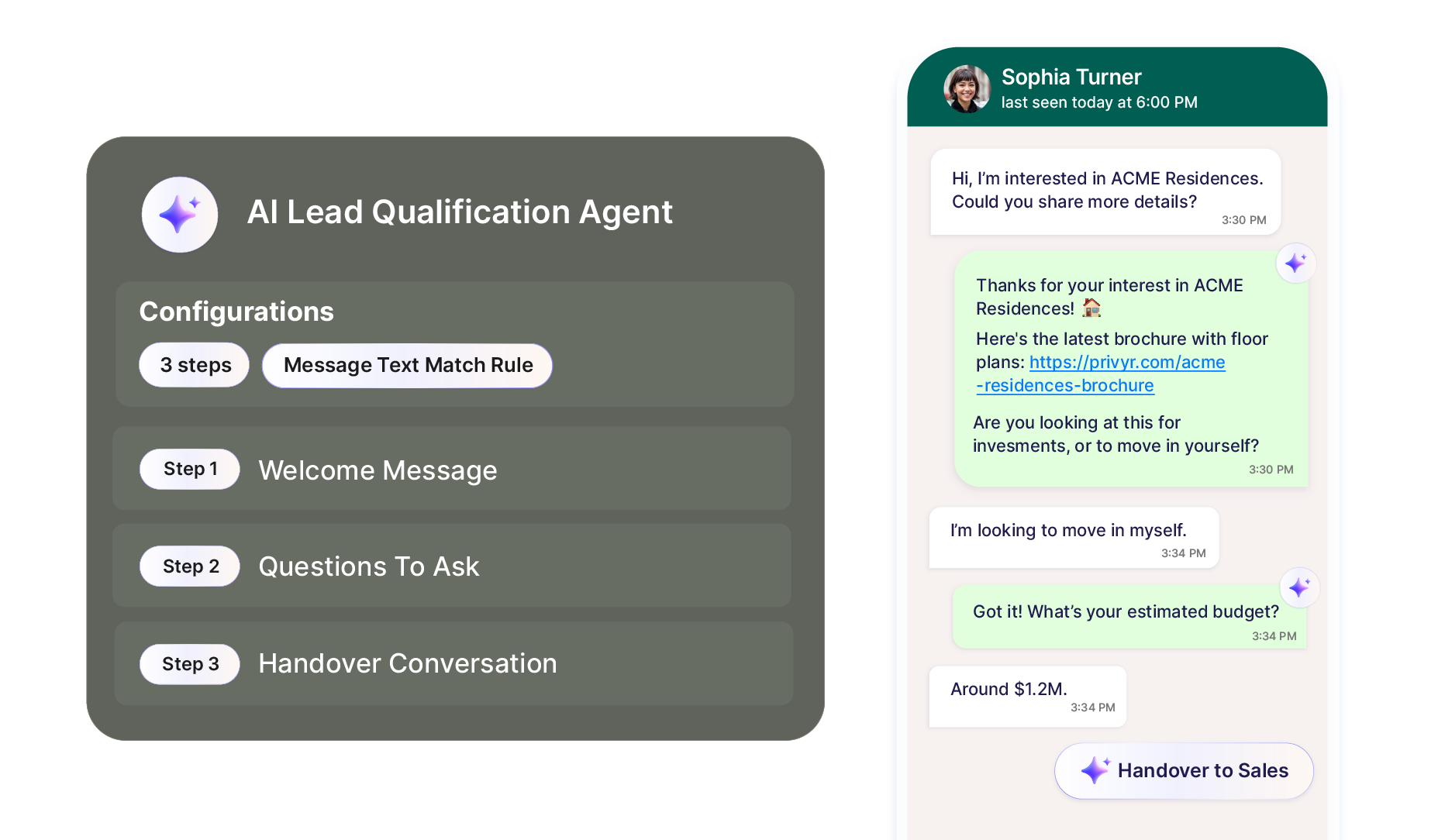
Privyr’s WhatsApp AI agent automatically chats with new leads in your style, asking about their budget, preferences, and more.
By the time you step in, you already know what they’re looking for, without spending time qualifying each lead yourself.
Connect your existing WhatsApp Business
account in minutes
Use Privyr WhatsApp Auto-Responder without moving to a new number or losing your data.
 Your existing number
 Your chat history
 Your contacts & groups
 Complete control & visibility over every conversation
Automate work, not your personal chats
Privyr only responds to business enquiries in your WhatsApp Business account. Your personal chats with friends and family stay untouched.
How it works
Setup only takes 5 minutes – set and forget it!
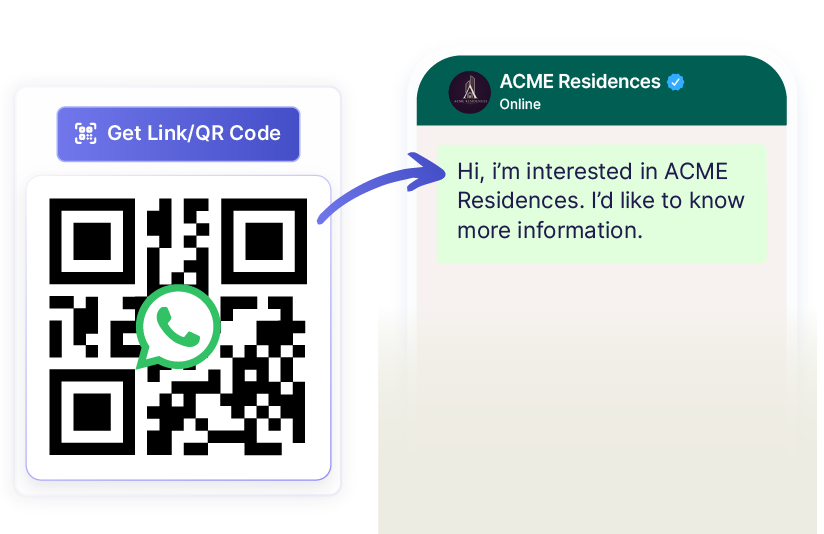
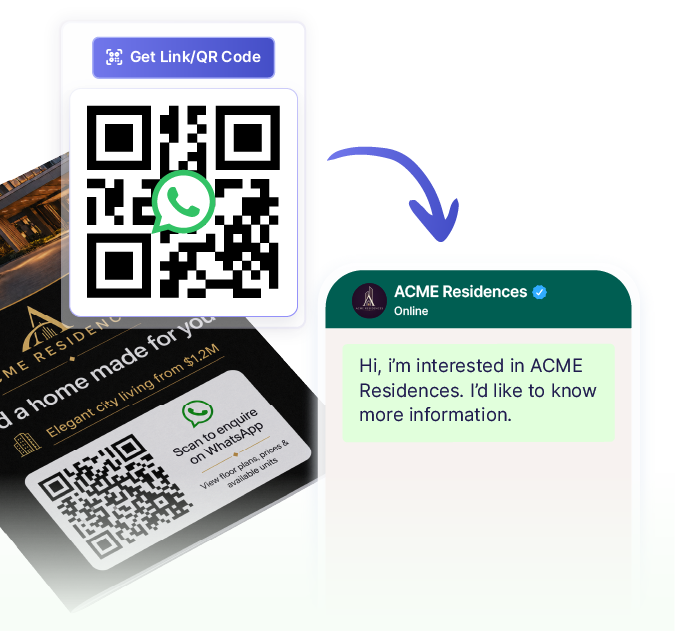
Your Personal WhatsApp Link & QR Code Generator
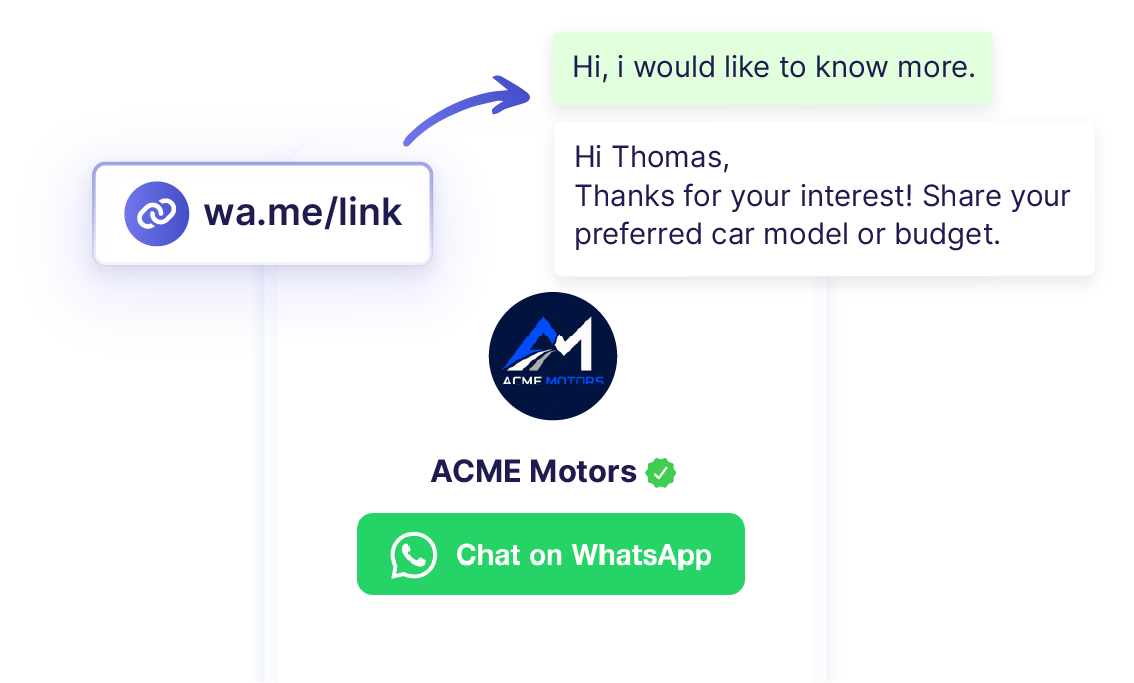
Generate unique WhatsApp links or QR codes directly in Privyr — share them on your social media, flyers, online listings, and more.
Anyone can easily contact you on WhatsApp with a pre-filled message, which triggers the right automated response.
Why use Privyr WhatsApp Auto-Responder
WhatsApp Business
Only
- One generic response for all enquiries
- Set one Greeting Message only
- Manually qualify leads yourself
- No way to exclude personal chats with friends and family
- No automated follow-ups
- Third-party tool needed to create multiple links and QR codes – may expire or have ads

WhatsApp Business +

- Customised responses for different enquiries
- Set multiple automations
- Let Privyr’s WhatsApp AI qualify leads
- Only automates chats with leads and clients
- Automated follow-ups
- Built-in WhatsApp link and QR code generator – no ads, no expiry
Keep your existing number,
chats, and groups
Keep using your WhatsApp
Business app, on mobile or web

Get Privyr WhatsApp Auto-Responder — free for 90 days 🚀
Start automating your responses by connecting your existing WhatsApp Business number. It takes less than 5 minutes!
No risks. Keep all your chats and data; disconnect anytime.
🎁 3 months free, no risks