Are you considering running WhatsApp Campaigns to instantly reach out to your leads and improve sales? Let’s discuss everything you need to know about WhatsApp Campaigns, how to run them, and whether they’re actually worth your money.
A WhatsApp Campaign can help you scale your customer base and ultimately grow sales, especially if most of your target customers are on WhatsApp. However, without knowing how it works, things can go south quickly. Your campaign will tap the wrong people and you’ll end up spending a lot of money on a campaign with a disappointing conversion rate.
To ensure your campaign runs smoothly, here’s everything you need to know about WhatsApp Campaigns, how to use it correctly, and whether you actually need it.
What is a WhatsApp Campaign?
A WhatsApp Campaign lets you use WhatsApp to bulk send targeted messages, promotions, and updates to your audience, in a safe and compliant way. It leverages WhatsApp’s high engagement and open rates to reach clients in a more personal and immediate way than email or social media ads.

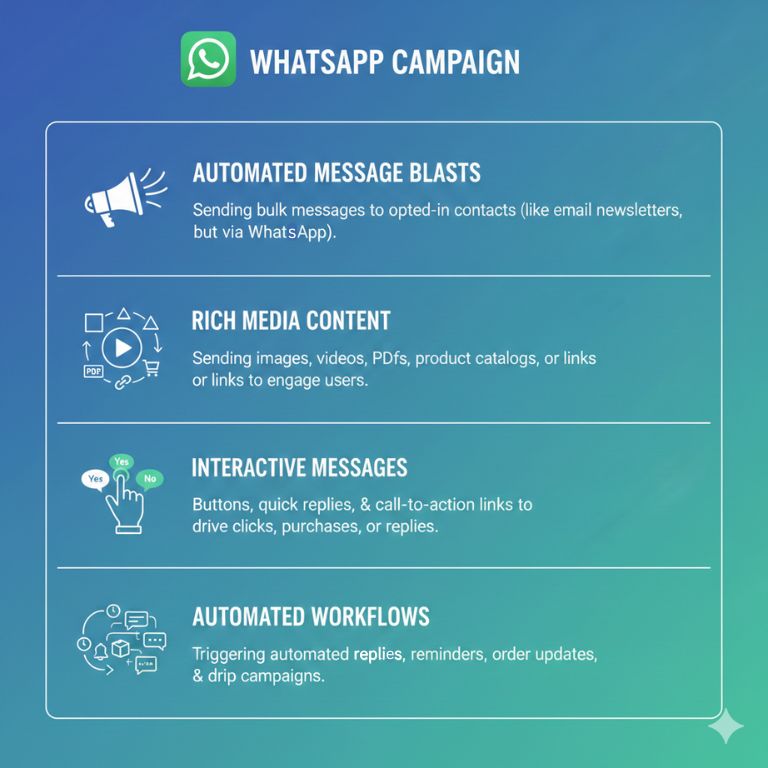
A WhatsApp Campaign may involve:
- Automated message blasts: Sending bulk messages to a list of contacts who have opted in to receiving messages from you (similar to email newsletters but via WhatsApp).
- Rich media content: Sending images, videos, PDFs, product catalogs, or links to engage users.
- Interactive messages: Buttons, quick replies, and call-to-action links to drive clicks, purchases, or replies.
- Automated workflows: Triggering automated replies, reminders, order updates, and drip campaigns.
You can run large-scale messaging campaigns via a WhatsApp Business API number, or even via your regular WhatsApp Business number by using a CRM or marketing tool that is a verified Meta Business Partner.
Advantages of WhatsApp Campaigns

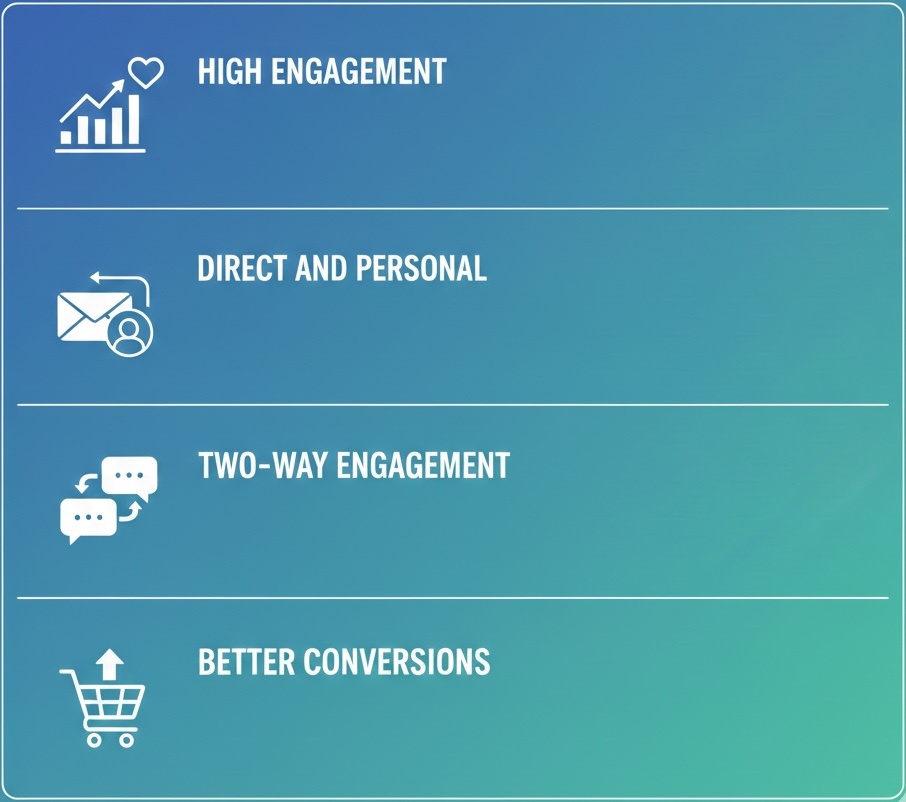
High engagement
WhatsApp message open rates are much higher compared to email, where open rates typically hover below 30%. It’s an app most people use daily, and messages are usually seen within minutes rather than hours or days. This makes WhatsApp ideal for time-sensitive campaigns such as promotions, reminders, event updates, or follow-ups.
Direct and personal
WhatsApp messages are delivered straight to a user’s personal phone, appearing alongside conversations with friends and family. It’s a more human, conversational experience compared to what other channels like emails or even calls can offer. This also makes WhatsApp an ideal channel for businesses that want to build AI agents capable of delivering a more human, conversational experience compared to what other channels can offer. When done right, WhatsApp messages feel less like marketing and more like a personal interaction.
Two-way engagement
Unlike traditional channels, WhatsApp enables instant two-way communication. Customers can reply with queries to learn more about your offers and you can respond to those queries in real time. This allows faster problem resolution and valuable customer feedback. For sales teams, this also means better lead qualification and nurturing without friction.
Better conversions
WhatsApp naturally drives higher conversions because it combines high visibility with personal messaging. Calls to action, such as booking an appointment, replying “YES,” clicking a link, or requesting a quote feel easier and much more immediate. With fewer distractions, leads are more likely to take the next step.
Are WhatsApp Campaigns worth your money?
WhatsApp Campaigns can be really effective but only when used with the right strategy. And keep in mind that it’s not free; you’ll be charged for every message successfully sent.
WhatsApp is a personal channel where people notice messages quickly. Whether it’s worth your money depends on your audience, your goals, and your strategy in using the platform.
When WhatsApp Campaigns are worth it

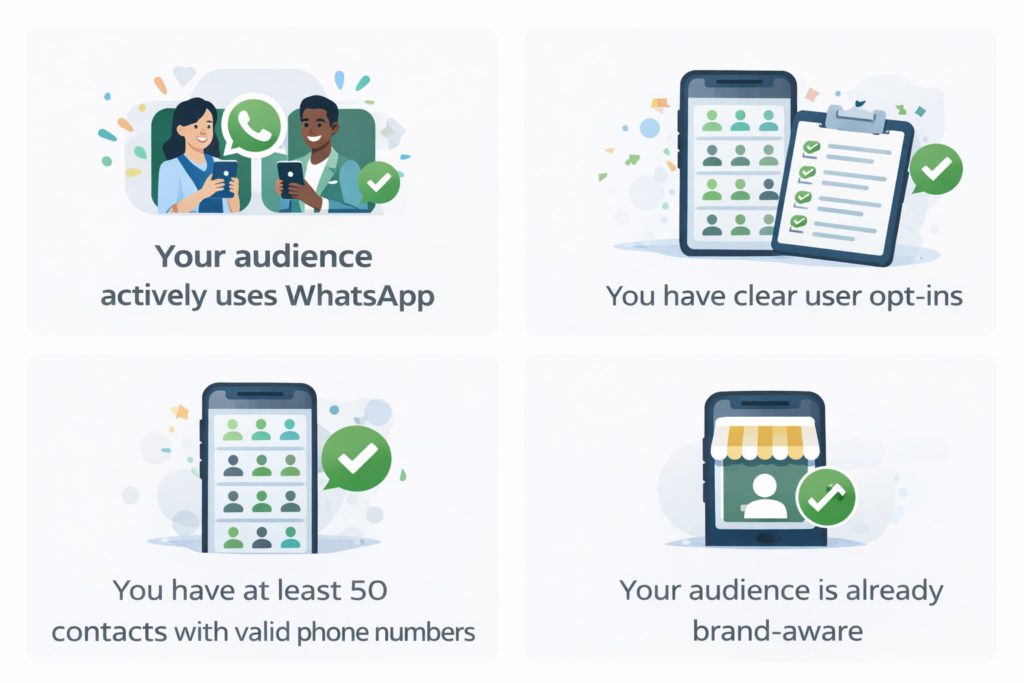
Your audience actively uses WhatsApp: If your customers already rely on WhatsApp for daily communication, Campaigns feel like a natural way to reach them. People using WhatsApp respond faster and engage better compared to email or social media.
You have clear user opt-ins: WhatsApp works best when users have agreed to hear from you. Opt-ins protect your brand, help you stay compliant, and ensure your messages are effective, not ignored or reported as spam. WhatsApp Campaigns tend to work best when there is already a baseline audience and familiarity with your brand. Because WhatsApp carries a per-message cost, scale and relevance matter far more than with channels like email.
You have at least 50 contacts with valid phone numbers: A minimum audience size helps justify setup effort and testing costs because a good open rate is just about 20%. So if you’re running a campaign just for a handful of people, the cost may not make sense when considering your returns. Additionally, with fewer contacts, it becomes difficult to learn, optimise, or see meaningful results, especially when each message sent incurs a fee.
Your audience is already brand-aware: WhatsApp performs best with people who already know your business, such as past leads, customers, or users who have interacted with you before. Cold or unfamiliar audiences are less likely to engage, making the cost per response significantly higher.
What to look for

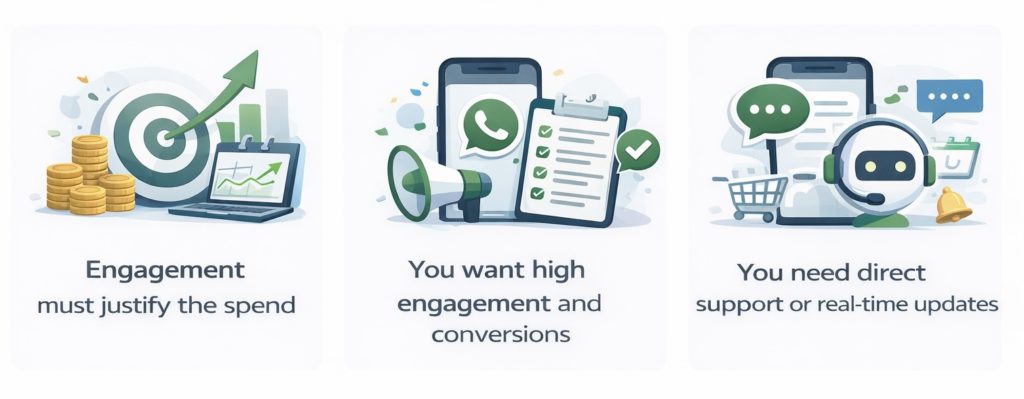
Unlike email, WhatsApp charges per message or conversation. If you send messages to unqualified or unaware users, you pay the cost upfront without seeing engagement or conversions, which quickly makes Campaigns unprofitable.
Engagement must justify the spend: Because every message has a cost, WhatsApp only makes sense when engagement rates are high. Strong targeting and relevance ensure that the responses, conversions, or time saved outweigh the message fees.
You want high engagement and conversions: High open rates and quick response times means the platform is ideal for actions like lead follow-ups, reminders, promotions, and re-engagement. If your goal is to prompt replies or conversions, WhatsApp is where you want to be.
You need direct support or real-time updates: WhatsApp is perfect for customer support, order updates, booking confirmations, and urgent notifications. It allows businesses to communicate quickly and clearly without sounding promotional.
When WhatsApp Campaigns might not be worth it

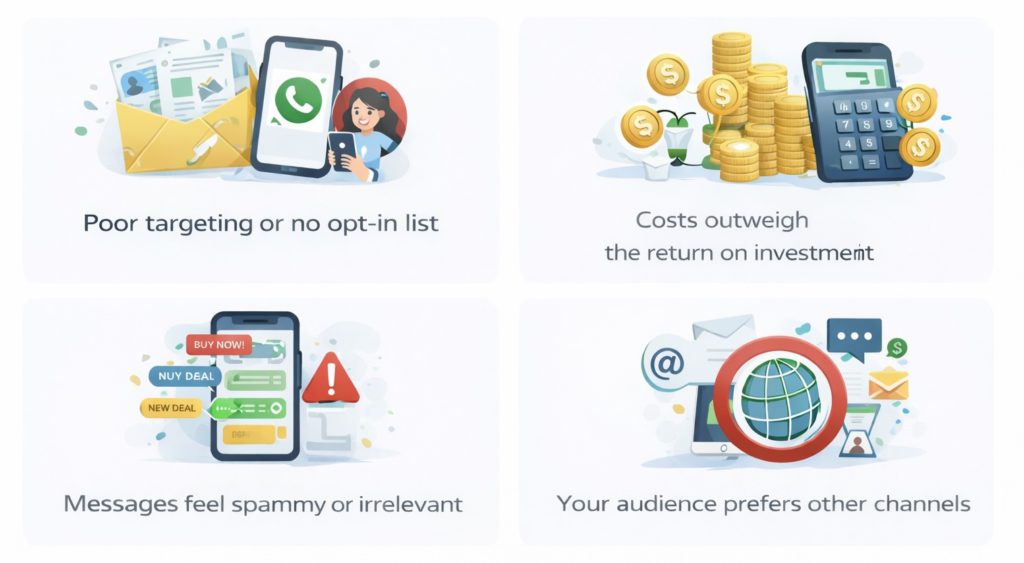
- Poor targeting or no opt-in list: WhatsApp Campaigns can backfire if you’re messaging a cold audience or the wrong person, whether it’s someone who hasn’t opted in or isn’t a good fit for your offer. Low relevance leads to blocks, reports, and wasted spend.
- Costs outweigh the return on investment: WhatsApp Business API pricing and third-party tool fees can add up. If your Campaigns don’t generate enough conversions, retention, or support savings to justify those costs, WhatsApp may not be the most efficient marketing channel for your business.
- Messages feel spammy or irrelevant: WhatsApp is not a place people want to see constant promotions. It’s a personal space. Therefore, generic promotions and frequent message blasts often get ignored and may get reported. If messages don’t add clear value, engagement and message delivery rates drop fast.
- Your audience prefers other channels: Not every audience prefers WhatsApp. Some customers respond better to email, social media, or in-app notifications. Forcing WhatsApp Campaigns can lead to poor performance and lower engagement.
WhatsApp Campaign vs Broadcast List

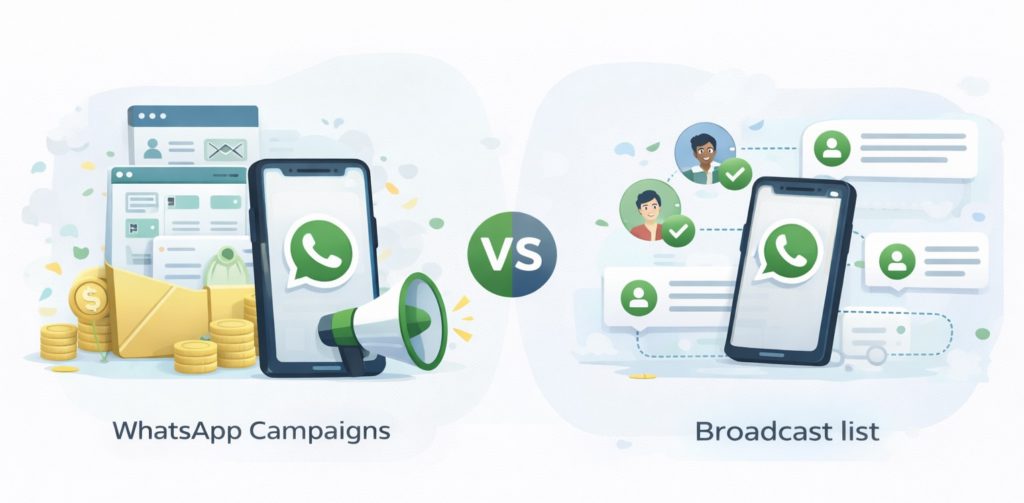
Many people confuse WhatsApp Campaigns with Broadcast Lists. While both look similar on the surface, they serve very different purposes and function differently.
Broadcast Lists use WhatsApp Business and are designed for small-scale communication. Your broadcast message will only be seen by contacts who have your number saved. There’s no message fee, but message volume is limited in size and lacks personalisation.
WhatsApp Campaigns, on the other hand, use the WhatsApp Business API and allow you to send messages at scale to opted-in users, even if they haven’t saved your number. Campaigns support auto-personalised templates, fully automated messages, CRM integration, analytics, and team collaboration. At the same time, Campaigns do come with per-message costs and stricter compliance requirements.
Do note that you can still run WhatsApp Campaigns and manage replies using your regular WhatsApp Business number through WhatsApp Coexistence. You can access this technology through verified Meta Business Partners like Privyr.
The following table explains the differences between WhatsApp Campaign and Broadcast list:
| WhatsApp Broadcast List | WhatsApp Campaigns | |
| Tools required | WhatsApp Business | WhatsApp Business API / WhatsApp Coexistence + CRM |
| Setup | Instant | Requires API access & platform setup |
| Cost | Free | Pay per message successfully sent + platform fees |
| Recipient requirement | Contacts must save your number | Users only need to opt in |
| Audience size | Limited | Thousands of contacts |
| Automation | Not supported | Fully supported |
| Message templates | Not required | Required for outbound messages |
| CRM integration | Not available | Native CRM integrations |
| Personalisation | Manual only: One broadcast appears the same to all recipients | Automated |
| Analytics and tracking | Basic or non existent | Detailed reporting and insights |
| Team access | Single device | Multi-user and team-ready |
| Compliance controls | As per WhatsApp Terms of Service | Message approval required before sending |
| Best for | Small businesses, general updates | Targeted offers or follow-ups, large-scale campaigns |
How to run WhatsApp Campaigns
To run a large-scale WhatsApp Campaign, the first thing you need is WhatsApp Business API access, along with a CRM or a lead management tool. Campaigns can be scheduled in advance, personalised using your CRM data, and enhanced with approved message templates and interactive buttons to drive action.
This combination of tools typically allows you to manage conversations and replies from a single, central platform. You can use analytics and tracking to measure delivery, engagement, and conversions.
Here’s a step-by-step guide to running WhatsApp Campaigns through the API.

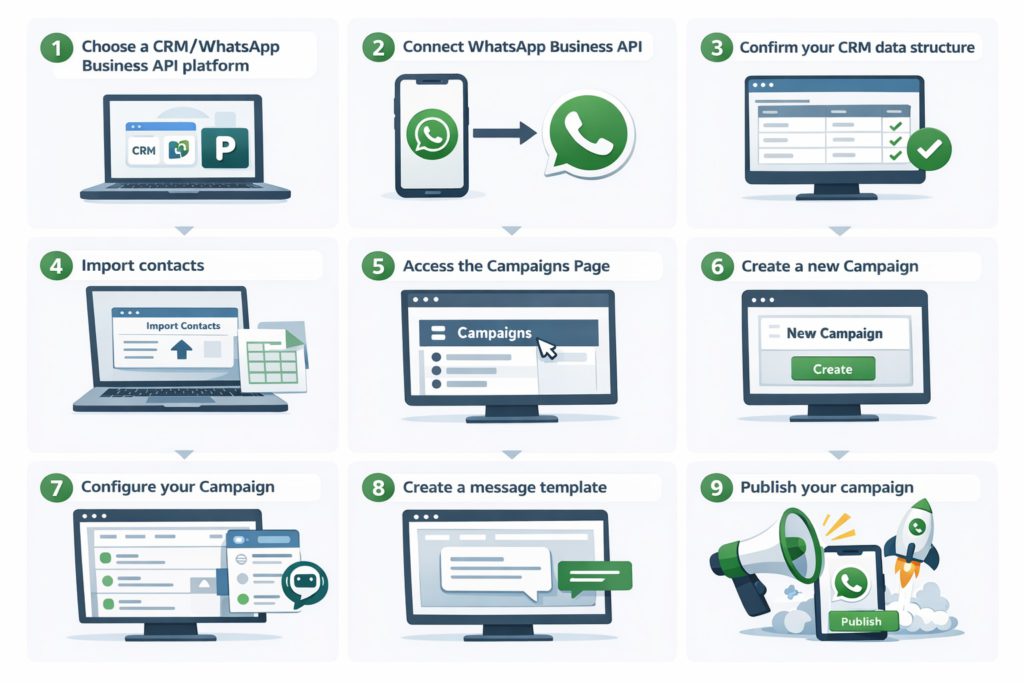
Step 1: Choose a CRM/WhatsApp Business API platform
WhatsApp Business API is not a messaging app interface. It’s a backend messaging infrastructure provided by WhatsApp that allows tools like CRMs and lead management systems to securely send, receive, automate, and track WhatsApp messages at scale. Therefore, as the first step, you’ll need a WhatsApp-approved CRM or an automation tool to activate and manage WhatsApp Campaigns.
If you’re a beginner, it’s recommended you choose a WhatsApp-first CRM like Privyr. Privyr is a verified Meta Business Partner; It’s powerful and easier to learn and use compared to complex CRMs like HubSpot.
Step 2: Connect WhatsApp Business API
Connecting your CRM to the WhatsApp Business API is pretty simple with Privyr.
No matter which tool you work with, you’ll basically need to:
- Connect your WhatsApp Business number to your CRM
- Add your business details
- Verify your business and WhatsApp Business phone number
- Wait for approval (if needed). This typically takes a few minutes up to 2 days.
If you’re using Privyr, here’s how to connect your WhatsApp Business account to Privyr:
- Log in to your Privyr desktop app and navigate to Automations > WhatsApp Automations
- Select WhatsApp Business App: Choose the option to connect your existing WhatsApp Business app.
- Click Login with Facebook and sign in with a Facebook account that has access to your Meta Business Manager.
- Follow prompts to select or create a Business Portfolio.
- Choose Connect your existing WhatsApp Business app and click Next.
- Input the phone number currently logged into the WhatsApp Business mobile app and verify it if prompted.
- Scan QR Code: Scan the provided QR code to authorize Privyr to send messages from your account.
- Click Finish in Privyr to complete the connection.
After approval, your WhatsApp number goes live within Privyr CRM.
This guide explains in detail how to connect your WhatsApp Business to Privyr
Step 3: Confirm your CRM data structure
Inside the CRM, you’ll find your list of contacts or leads. Make sure you have the following fields (and any other you want to track):
- Name
- Phone (with country code)
- Source (Website / Ads / Instagram)
- Stage (New / Engaged / Converted)
- Last message date
- Opt-in status
Step 4: Import contacts
Most CRMs allow you to import contacts manually and automatically from lead sources. Connect your lead sources with your CRM so new leads or contacts come in automatically. You can also upload a manual CSV contact list.
On your Privyr account you can easily connect with lead sources through “Integrations”. Once connected, your new leads will automatically sync to your CRM. If you want to upload contacts manually, you can opt to import via CSV or spreadsheet instead.
Step 5. Access the Campaigns Page
On the Web version of Privyr, go to the WhatsApp Campaigns setup page under your Automations tab > WhatsApp. Then, select WhatsApp Campaigns.
Step 6. Create a new Campaign
Click on “+ Create Campaign”
Step 7. Configure your Campaign
In the next step, name your campaign, pick the sending number, and decide who will receive the messages before sending or scheduling it.
- Campaign Name: Name your campaign
- Sending From: Select the WhatsApp Business number you want to send the campaign message from
- Recipients: Choose send to All Clients if you want to send the campaign message to all clients or filter Clients if you’re looking to send campaign messages to clients matching specific criteria.
Step 8. Create a message template
Business-initiated messages on the WhatsApp Business API must use an approved message template. Campaigns, by definition, are messages where the business starts the conversation. The next step is to select an existing message template, or create a new one. Keep in mind:
- You must submit new message templates to WhatsApp for approval before the campaign can go live. Approval may take up to 24 hours.
- Using @clientName in the message will automatically personalise the message with your lead’s name.
- Message templates allow image attachments, so feel free to attach one for a more effective outreach.
In short, create a message template and submit it to WhatsApp and wait for approval.
Step 9. Publish your campaign
Once your message template is approved, click Review & Send, then publish. Your message will be sent to the recipients you’ve selected.
Keep in mind that you must have enough automation credits for all recipients to send your campaign, as you will be charged per message. Also, credits are only used for messages that are successfully sent.
Alternatively, you can save your campaign as a draft if your message template has not been approved yet or if you wish to publish your campaign at a later time.
Using WhatsApp Coexistence to manage all your conversations

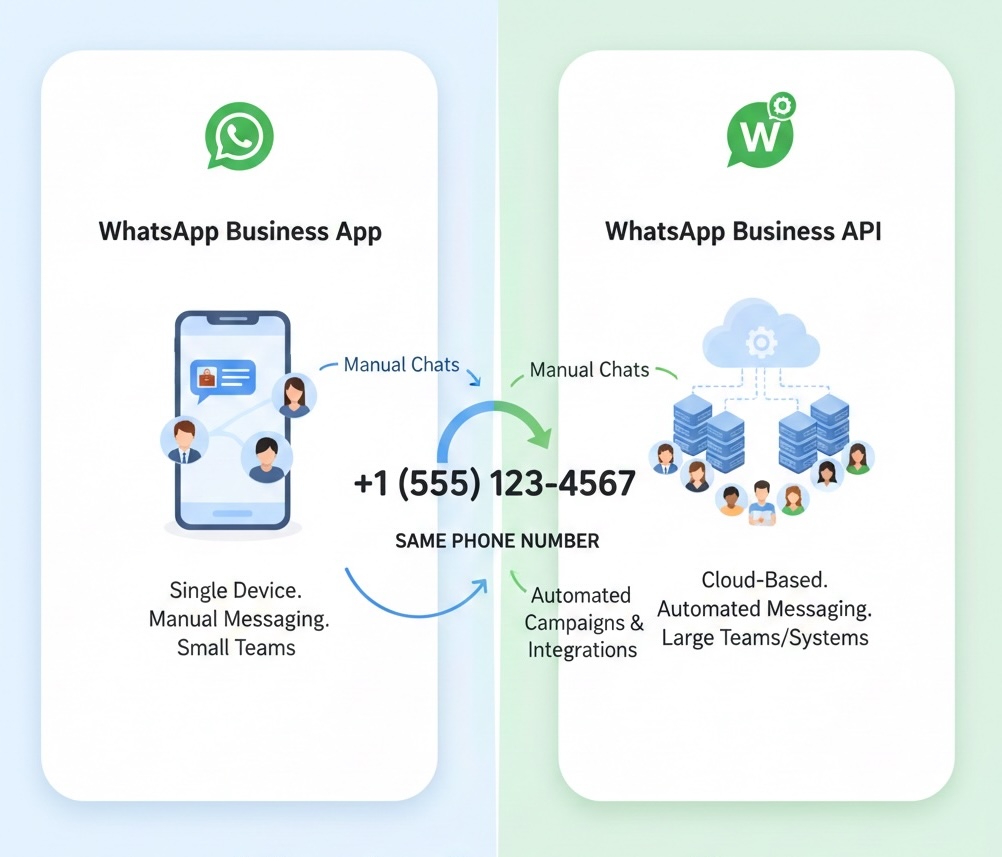
Connecting to WhatsApp Business API may come with some technical limitations, such as losing access to the WhatsApp Business app and your existing chat history, and having limited manual messaging controls after making the switch. With WhatsApp Coexistence, you don’t need to worry about that anymore.
WhatsApp Coexistence allows you to use WhatsApp Business App and WhatsApp Business API at the same time, using the same phone number. This means you can continue handling personal, one-to-one conversations manually, while also running automated campaigns, and CRM-driven workflows.
Coexistence lets you scale WhatsApp campaigns without losing the personal touch through your regular WhatsApp Business app. Sales teams can reply in real time from their own number and device, while automation handles repetitive messages without breaking conversations or forcing you to choose between tools. If you’re testing WhatsApp Campaigns or scaling, Coexistence reduces risk, improves response quality, and makes WhatsApp a practical channel.
You’ll need to enable WhatsApp Business Coexistence to start using it. For most CRMs or automation tools, you’ll typically link your WhatsApp Business account to a Facebook Page, access the WhatsApp Cloud API, and integrate the Cloud API with your WhatsApp Business app.
If you’re using Privyr, the process is much simpler. Once you connect your WhatsApp Business App number, complete the Facebook steps, and scan the QR in your WhatsApp Business to grant access, WhatsApp Coexistence is automatically enabled.
WhatsApp Campaign costs
WhatsApp Campaign costs vary based on the scale of your messages and the tools you use. It’s important to understand where the costs come from and how they add up to run a successful campaign. Here’s a breakdown of your costs:
1. Per-message fees
WhatsApp charges businesses per message or template. It’s done typically through official WhatsApp partners like Privyr. Costs may depend on the message type, the country of the recipients you’re messaging, and the conversation window. This means targeting and timing is critical for cost control.
2. CRM or automation tool costs
To run WhatsApp Campaigns at scale, you need a CRM or automation platform such as Privyr. These tools usually charge a monthly or annual subscription.
3. Opt-in list building efforts
Growing a high-quality opt-in list takes effort and sometimes ad spend. You may want to use different methods to gain user opt-in, such as website forms, lead ads, QR codes, or offline campaigns. Acquiring consented users is an essential investment for long-term success.
Use Privyr to manage your WhatsApp Campaigns from a single, centralised location. No more switching between apps or devices, everything you need for lead management, follow-ups, and sales tracking is right at your fingertips.
Try Privyr today to boost your sales by up to 300%