The post Media-rich templates to promote your courses, workshops, & education services appeared first on Privyr Blog.
]]>While reaching out to new leads, you probably have to send out a lot of sales and marketing materials. This may include your course brochures, lesson plans, schedules, promotions, and more.
Preparing and sharing this content with your leads is part of your daily work – but it can quickly become a very time-consuming task. 
In this post, we’ll share how you can use Privyr Pages to quickly create, send, and track views on the media-rich sales content for your courses, workshops, talks, and more.
We’ve also included some free course content templates we created using Privyr Pages! Just click to save, personalise, and send them to your clients via WhatsApp, SMS, iMessage, email, and more.
How manually sending multimedia course content can hurt your sales process
When leads ask for more information on your courses, you’ll probably want to share media-rich content with them – and not just text.
So what usually happens is that you manually go through your phone gallery, folders, or note-taking app to find relevant images, videos, scripts, PDF files, and links. Then, you copy-paste or forward everything to the lead on WhatsApp, iMessage, or text.
You basically have to repeat this process for different leads and for every new request. 
Not only is this time-consuming work, but it also doesn’t help you leave the best impression to further promote your courses or educational services.
If you’re sending multimedia content separately like that, your lead may feel overwhelmed by the clutter of information. Because, suddenly, they’re seeing 10 images, 2 links, 1 video, and possibly a generic sales message in the chat – and all this is just for ONE course. It gets even messier if you’re sending them the details for two or three courses they’re interested in.
And if you’re using WhatsApp, they may sometimes even see that the message has been “Forwarded” to them, giving the impression that this was an automatic – or careless – action.
Overall, everything feels very impersonal, and it’s costing you time to send the content as well.
How using Privyr Pages can boost your sales game 
Before I show you how to use Privyr Pages to showcase your education services and other content, let’s talk about how this method can improve your sales and productivity, saving you time and effort:
- Create only once and send many times: You only need to create a Page for each of your courses once, adding all the relevant images, videos, descriptions, and links.
When leads request it, quickly send the same media-rich Page to different leads via WhatsApp, iMessage, or text – within seconds. No need to dig through your galleries or folders. No more copy-pasting and forwarding content.
- Auto-personalise the Page for each lead in just one tap: Your content is automatically customised with the lead’s name when you click ‘Send’. You’ll leave a stronger impression when they feel like the content was personalised just for them.
Your branding and contact details are also automatically added to the page, so that when they share the course details with someone else, people know they should reach out to you. - Track how many times a lead views the content: Get instantly notified when a lead views the course or lesson plan you sent them. Gain insights into how many times they have viewed a Page and how long they have spent viewing it.
You can monitor people’s interest levels, even if they don’t reply or they don’t choose to buy immediately. This will help you plan your long-term follow-up strategy! Check out our other post on how to increase enrolment in your courses by tracking lead interest.
- Update your course materials anytime, for everyone: If you make changes to your brochures, class schedule, and other content after sending them to a lead, the changes will be automatically reflected in their copy as well.
Don’t have a Privyr account yet? Create one for free here to start creating and sending auto-personalised educational course content within seconds.
Here are some ideas and inspiration on the course content you can create using Privyr Page templates 
 Pro-tip: Click “Use This Template” to save the Page template to your Privyr account, where you can customise it for your courses, workshops, talks, and more. Use Privyr to personalise the content and respond to enquiries via WhatsApp, SMS, iMessage, and more – all within seconds.
Page templates for educational course brochures
Your organisation may offer many types of online and in-person courses that attract different leads.
Create an interactive brochure for each one in Privyr and send them to each prospect – with your branding and their names automatically applied.
Send your course brochures or program information
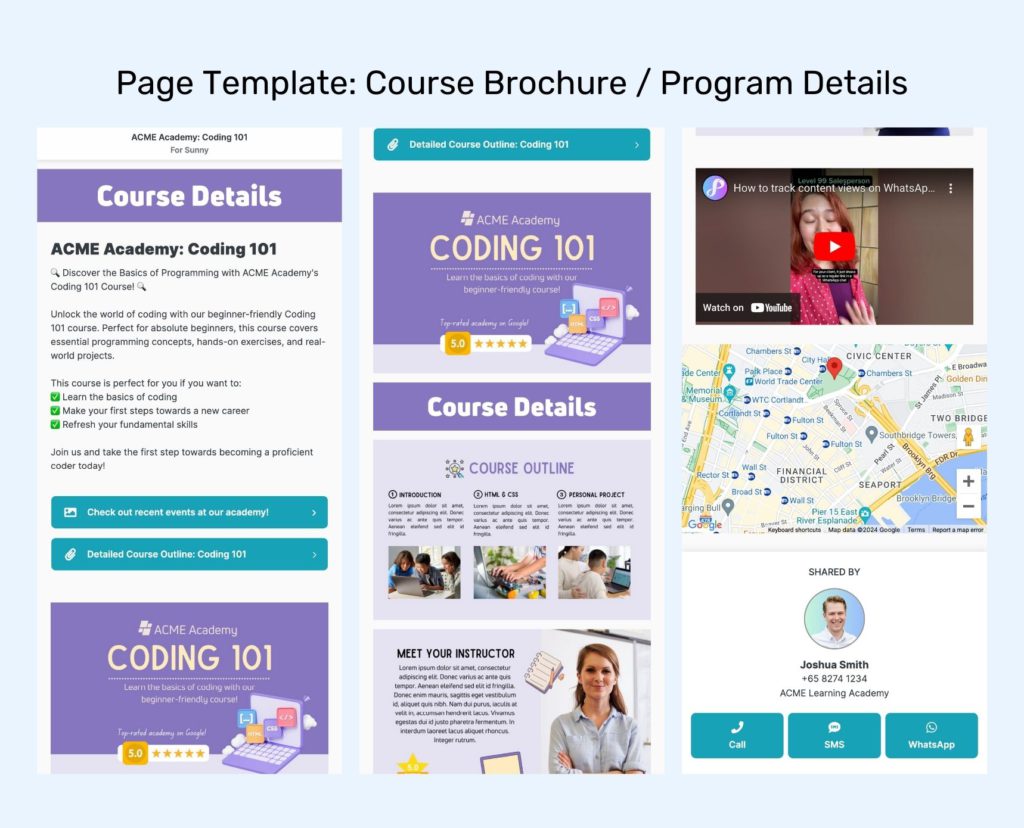

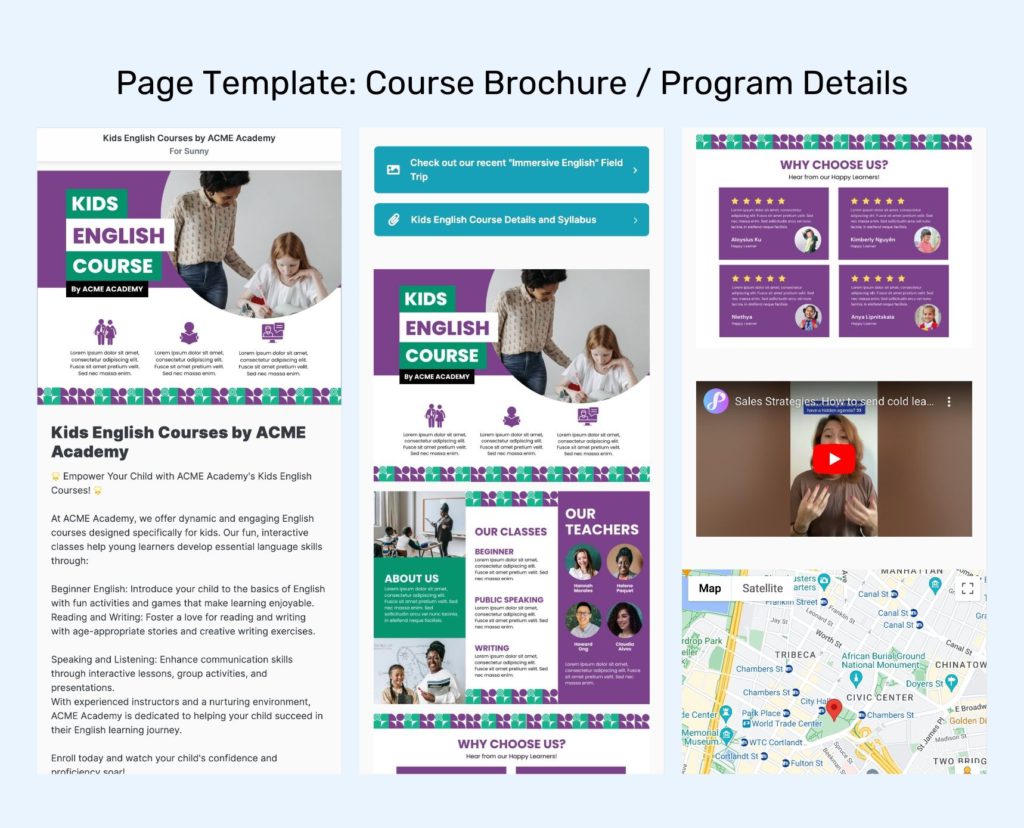
Bright Ideas: Try adding these media-rich elements to your course brochure to make it more engaging.
- Images and description of the course.You can even upload an existing brochure or social media image you’ve been using to promote the course.
- Screenshots of testimonials from people who have taken your course.
- Additional file attachments, e.g. detailed syllabus, lesson plans, or instructor profile and credentials.
- Videos to showcase your courses, recent events, or student success stories.
- Google Map location of your learning institution.
Page template for course discount and trial classes
Running a seasonal promotion for your courses? Trying to attract more new students with a free introductory class?
Use these templates to share the offer with new and existing leads. Privyr auto-personalises the template with each person’s name, so it will give them a feeling of urgency and exclusivity. 
Share a limited-time discount or introductory lessons
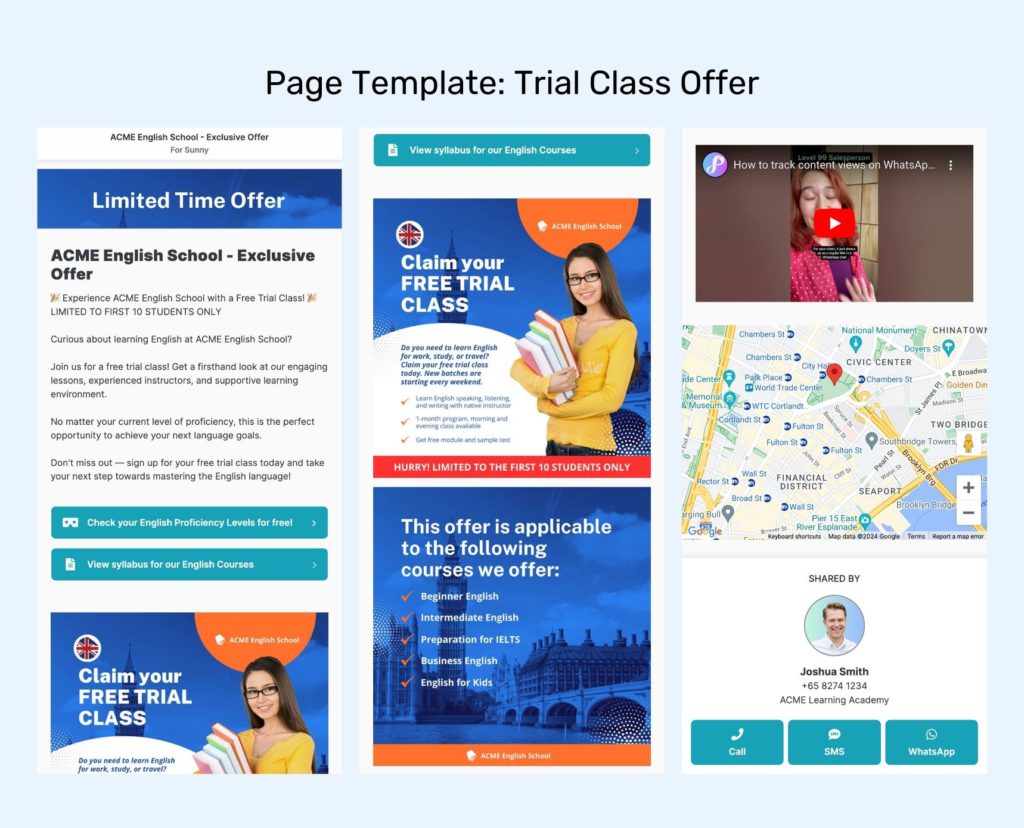
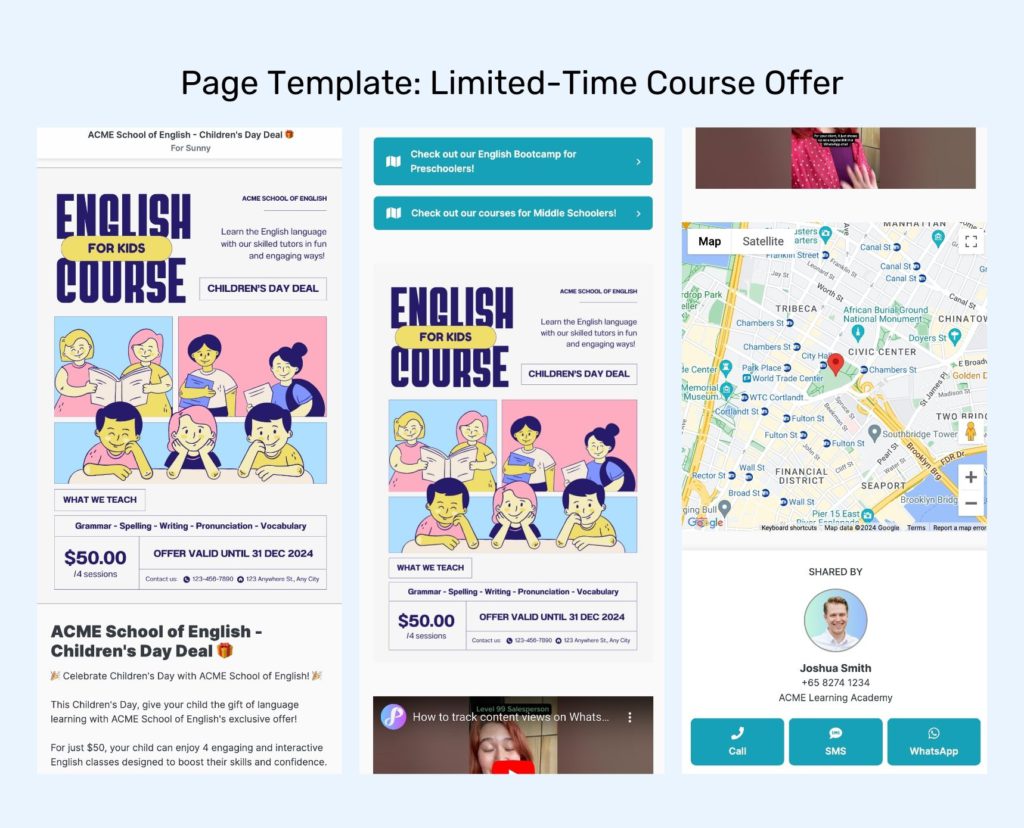
Bright Ideas: Try adding these media-rich elements to your course offer to make it more engaging.
- Images and description of the offer or the trial lesson. Feel free to upload an existing brochure or social media image you’ve been using.
- Additional file attachments, e.g. detailed syllabus, lesson plans, official certifications.
- Links to other pages that may get people excited to join your academy’s course, e.g. photos of classroom facilities, perks for new students, past event photos.
- Videos to showcase your learning academy, your team, or students’ success stories.
- Google Map location of your learning institution.
Page template for course schedule
These templates are perfect for promoting your short courses, one-time talks and workshops, or even new intakes in the upcoming period.
The best part is that you can keep updating this page with new dates and courses, at any time, and it will automatically refresh for everyone who has received it before.
You’ll ensure that they’ll see the latest version of the course schedule, even if they’re using the old link.
Send the schedule for your upcoming or recurring classes
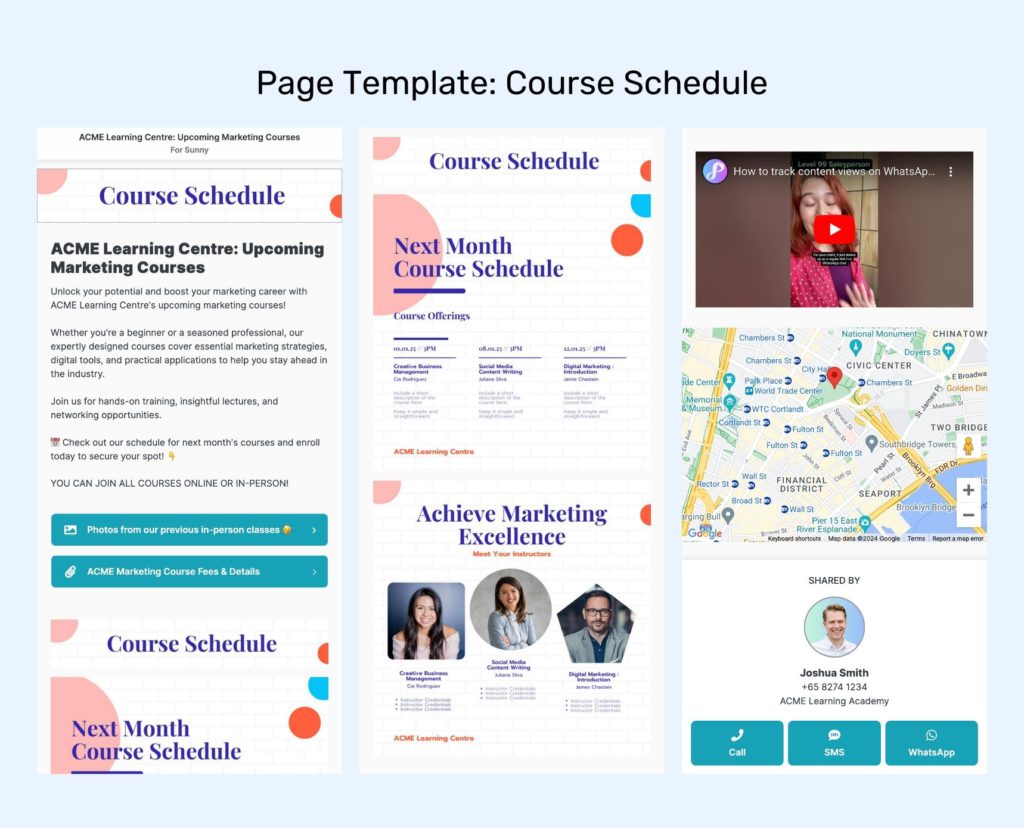
Bright Ideas: Try adding these media-rich elements to your course schedule to make it more engaging.
- Images and description of your class schedule or upcoming intakes. You can always reuse and upload the images you already have to make them trackable via Privyr.
- Additional file attachments, e.g. detailed syllabus, lesson plans, learning objectives.
- Links to other pages that may get people excited to join your academy’s course, e.g. photos of classroom facilities, perks for new students, student testimonials.
- Videos to showcase your learning academy, your instructors, and their credentials.
- Google Map location of your learning institution.
Check out our help guide to learn more about managing and tracking Pages in Privyr.
Summary
By using Privyr Pages, you can quickly create, manage, and send your courses, class packages, schedules, and promotions – all organised with a more personalised presentation for your leads.
Each lead’s learning journey and interests are different, so the materials you share with them should reflect that!
With the interest tracking feature for Privyr Pages, you can even know which leads have recently viewed a specific piece of content you share with them.
You’ll have all the information you need to follow up more strategically, instead of guessing which leads are worth following up with and which course they’re interested in. 
Sign up for Privyr today – it’s free!
The post Media-rich templates to promote your courses, workshops, & education services appeared first on Privyr Blog.
]]>